Swag
Swag items 141

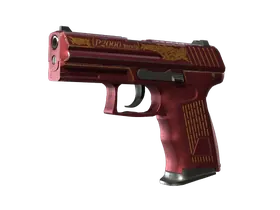
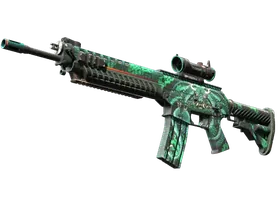
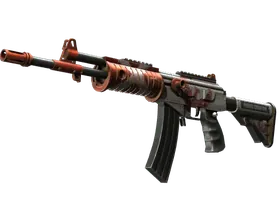
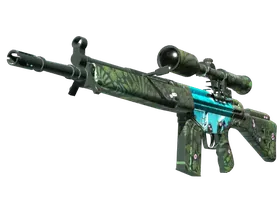
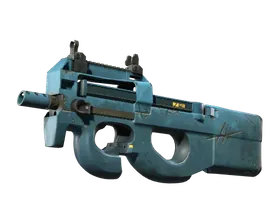
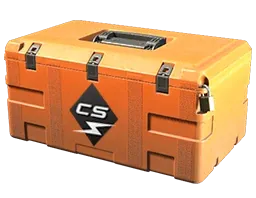
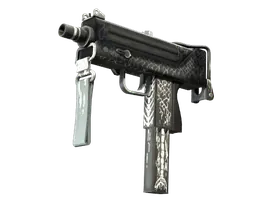
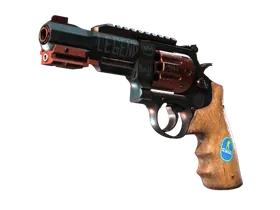
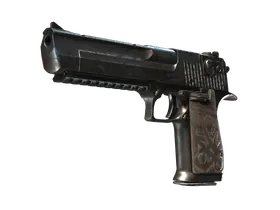
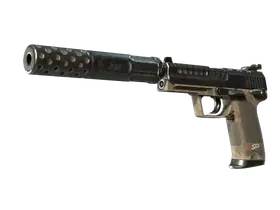
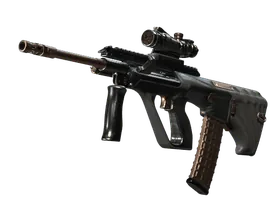
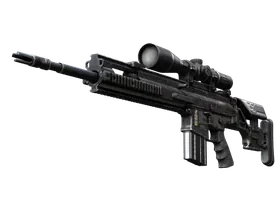
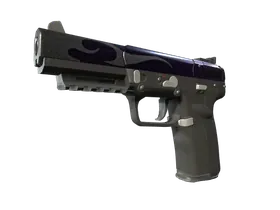
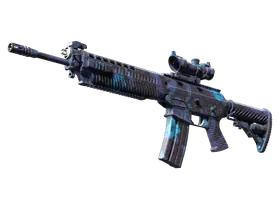
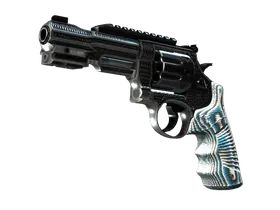
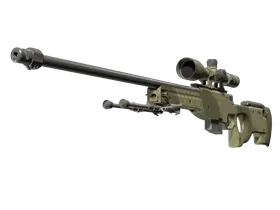
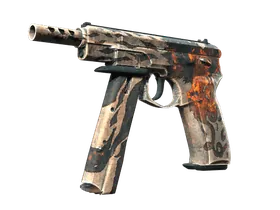
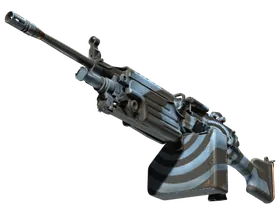

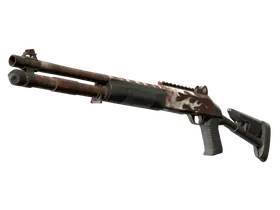
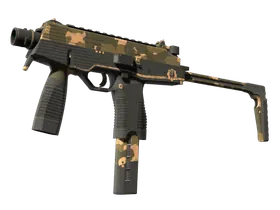
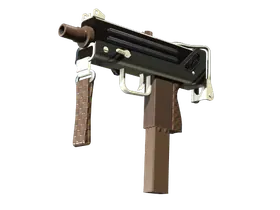
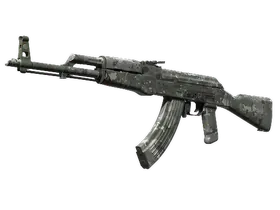
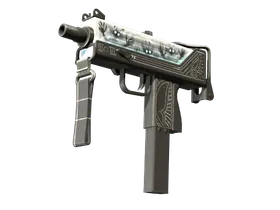
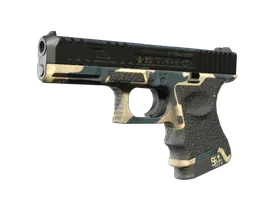
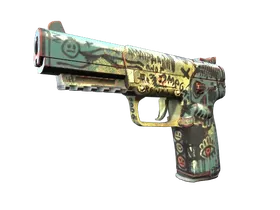
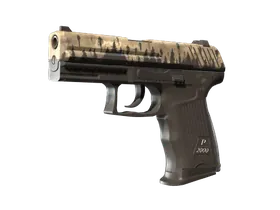
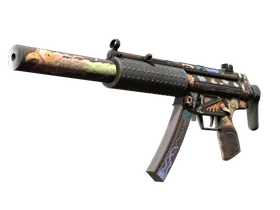
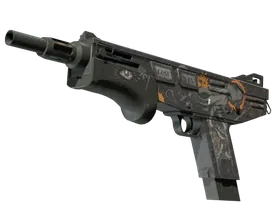
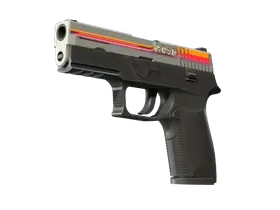

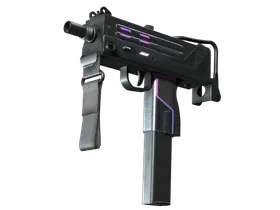
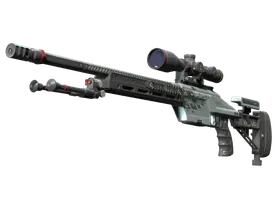
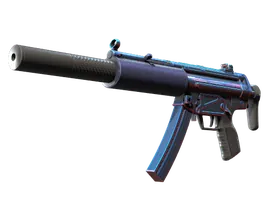
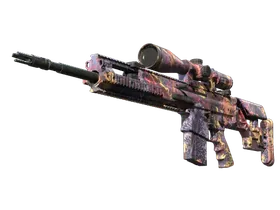
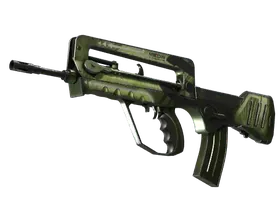
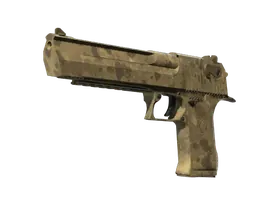
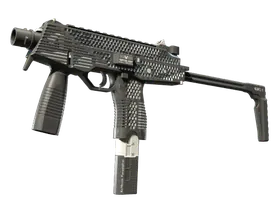
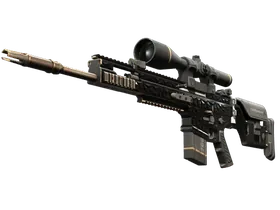
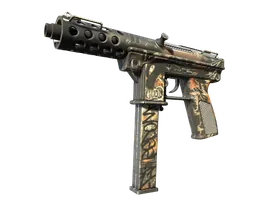
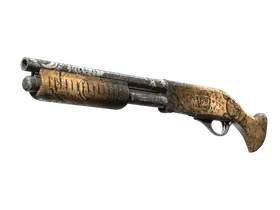
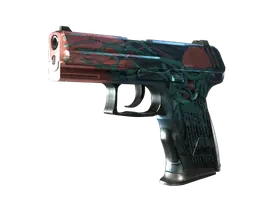
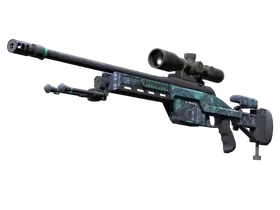
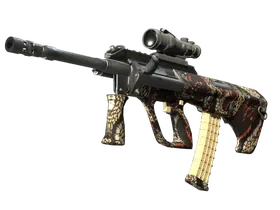
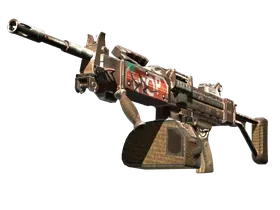
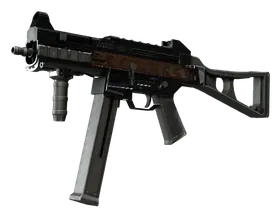
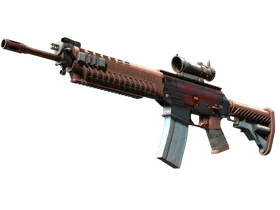
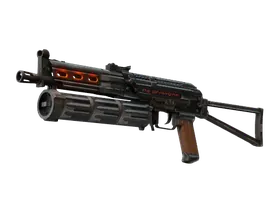
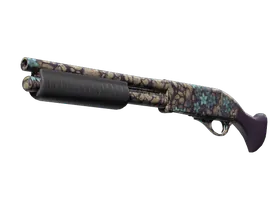
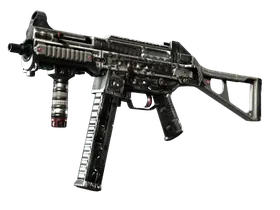
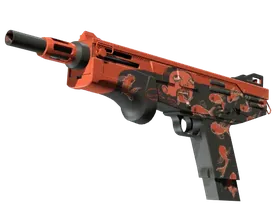
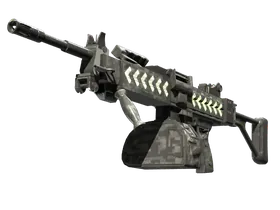

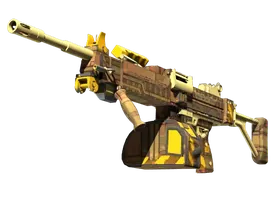
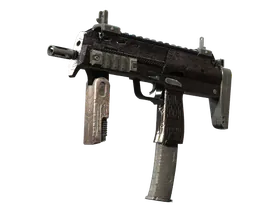
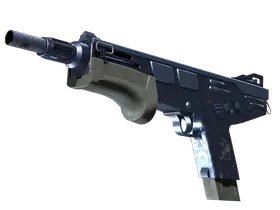
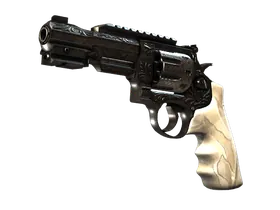
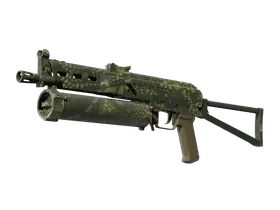
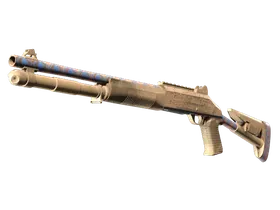
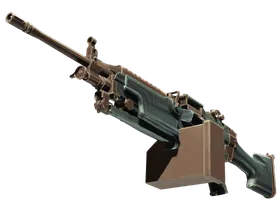

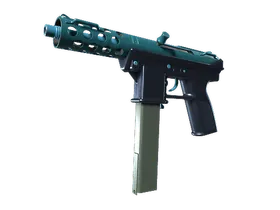
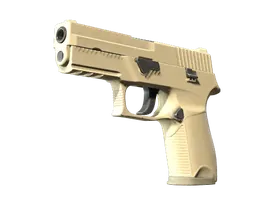
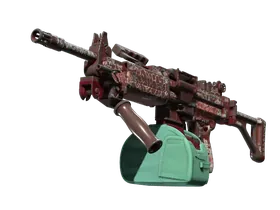
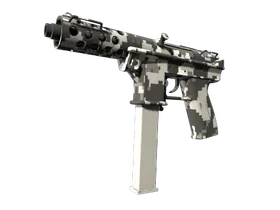
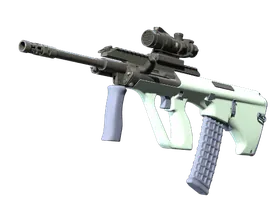
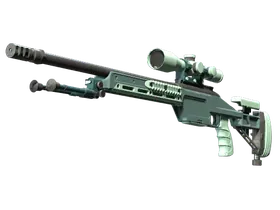

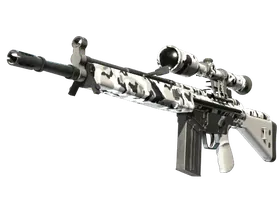


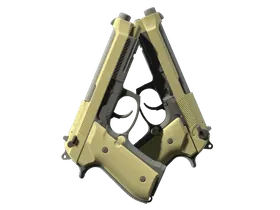
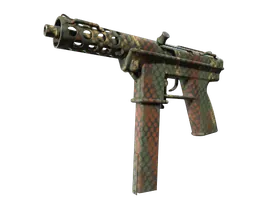

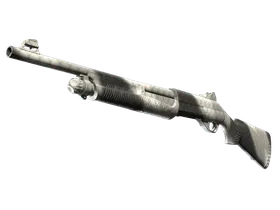
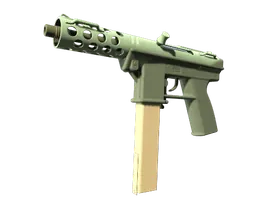


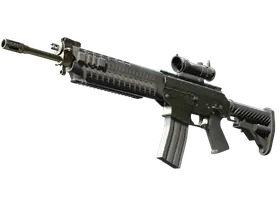
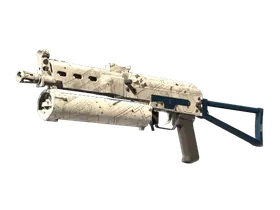
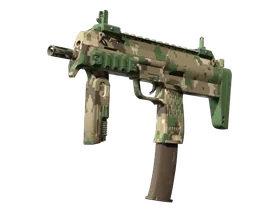
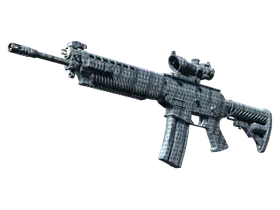
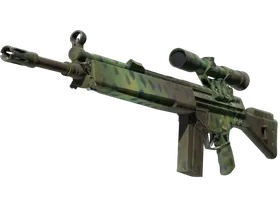









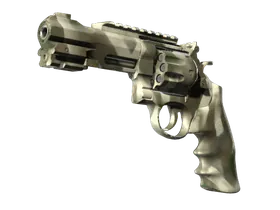





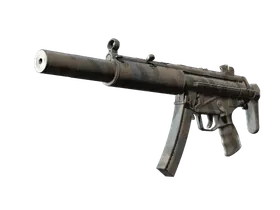


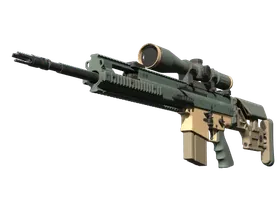

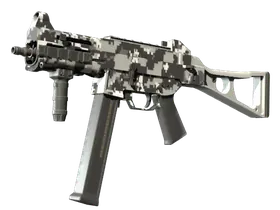
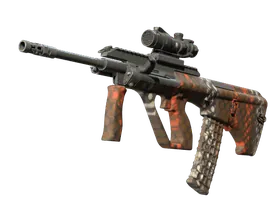

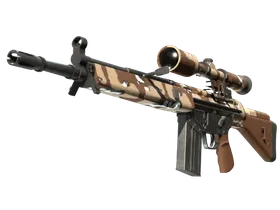

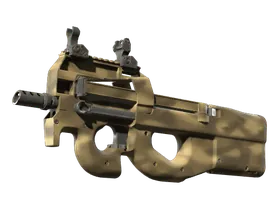

















No items match this filter.
Swag CS2 Inventory Overview
The Swag inventory is a compact but interesting CS2 skin collection page for 2026, listing 141 items with prices ranging from $0.01 to $1.90. That makes it a practical inventory to browse for players who want low-cost skins, stickers, cases, and graffiti without stepping into higher-price territory. Because this is a user inventory page, it is especially useful for quickly understanding what is available in one place and how the items are distributed across everyday budget-friendly CS2 content.
For collectors, traders, and casual buyers, inventories like Swag’s can be valuable because they show a real snapshot of items rather than a generic catalog. You can use this page to identify affordable pickup options, compare items within the same inventory, and evaluate whether a skin, case, or graffiti stands out based on price and category. In 2026, this kind of inventory page is especially relevant for buyers who want efficient browsing and clear item discovery.
What This Inventory Contains
Swag’s inventory includes a mix of skin entries and other CS2 items, all presented in a single user inventory view. That makes the page useful not just for looking for one specific item, but for scanning the overall shape of the inventory. With 141 items total, the collection is broad enough to offer variety while still staying within a very accessible price band.
Since the listed price range is only from $0.01 to $1.90, this inventory is centered around low-entry-value items. That can be attractive for users who want to browse budget skins, build a starter loadout, or track items that are commonly used in trade-up paths, casual trading, or collection organization. It also means the page is likely to be relevant for users who care about quantity, variety, and quick comparison more than premium-tier values.
Notable Items in the Swag Inventory
Several items stand out in this inventory because they are recognizable, useful for browsing, or simply representative of the page’s range. The following items are notable entries in Swag’s inventory:
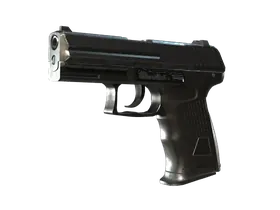
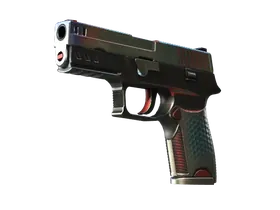
- P2000 | Panther Camo
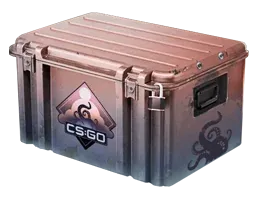
- Weapon Case | Dreams & Nightmares Case
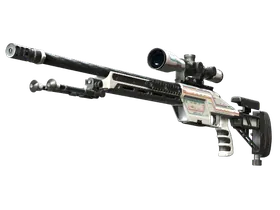
- SSG 08 | Rapid Transit
- Graffiti | Wings
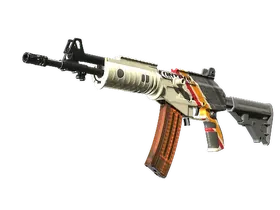
- Galil AR | Control
- P2000 | Imperial
- SG 553 | Dragon Tech
- Galil AR | Connexion
This mix shows the variety of the inventory clearly. You have pistol skins like P2000 entries, rifle skins such as Galil AR and SG 553, a sniper option with the SSG 08, and non-skin item types like a case and graffiti. For a user inventory page, that breadth matters because it gives visitors multiple categories to compare at once rather than forcing them into a narrow search.
Price Range, Wear, and 2026 Market Relevance
The Swag inventory sits in a very affordable price bracket, with items ranging from just $0.01 up to $1.90. That low ceiling makes the page especially useful for budget-aware CS2 users in 2026. If you are looking for skins that are easy to buy, easy to compare, and generally low-risk from a spending perspective, this is the type of inventory page that helps you move quickly.
Wear and condition still matter in low-price inventories. Even when a skin is inexpensive, different wear levels can change how it looks, how desirable it feels, and how traders compare it against similar items. On a page like this, it is worth checking item details carefully rather than assuming all budget skins are interchangeable. A modestly priced item may still be more appealing if its condition aligns better with what you want for a loadout or trade.
In 2026, inventory pages remain relevant because buyers want fast access to real item lists and practical sorting. Low-cost inventories can also attract users who monitor the market for stable, accessible entries instead of chasing volatile high-value skins. If your goal is value-oriented browsing, a page like Swag’s gives a clear view of what can be acquired without stretching your budget.
Buying, Trading, and Value Tips
When browsing a user inventory, start by identifying the items you actually care about rather than focusing only on the cheapest options. A low price does not automatically mean good value, especially if you are comparing multiple skins with similar visual appeal. Use the inventory list to isolate items by weapon type, then compare pricing and overall usefulness within that subset.
For traders, inventories like this can be helpful because they show an assortment of items that may be easier to move in small trades. Budget items can be useful for balance in trade discussions, for rounding out offers, or for collecting small-value pieces with consistent demand. Cases and graffiti can also be relevant if you are interested in item variety rather than only weapon skins.
If you are buying for personal use, think about function as much as price. A pistol skin you see often in matches may feel more worthwhile than a slightly cheaper item you rarely use. Likewise, if you are building a themed inventory, names and visual consistency may matter more than chasing the absolute lowest price. The most practical approach is to compare by weapon, appearance, and wear, then decide whether the item fits your intended use.
How to Browse and Compare on This Page
The best way to use this inventory page is to scan it in layers. First, identify the item type you want: pistol skin, rifle skin, sniper skin, case, or graffiti. Then compare the individual entries within that group. This helps you avoid mixing unrelated items and makes the browsing process faster and more accurate.
Next, pay attention to the item names that appear in the inventory. On a page with 141 items, patterns can emerge quickly. You may notice repeated weapon families such as P2000 or Galil AR, which makes it easier to compare visual style, market relevance, and budget placement within the same inventory. If you are looking for the best fit, compare items of the same weapon category before expanding to other types.
If the page offers filters or sorting tools, use them to narrow by price, item type, or wear. Price sorting is especially helpful here because the inventory occupies a very tight range, and the difference between a low-end and high-end item may matter if you are trying to stay within a specific budget. Filtering by category can also help you quickly isolate cases or graffiti if you are not shopping for weapon skins.
FAQ
How many items are in the Swag inventory?
There are 141 items in this inventory, which gives visitors a solid selection to browse without overwhelming the page.
What is the price range?
The listed price range runs from $0.01 to $1.90, making it a very budget-friendly inventory overall.
What kinds of items are included?
The inventory includes skins as well as other CS2 items such as a case and graffiti, so it is useful for mixed-category browsing.
Why should I use a user inventory page instead of a general catalog?
A user inventory page gives you a real snapshot of specific items in one collection, which is useful for comparing availability, spotting patterns, and evaluating the inventory as a whole.
FAQ
How many items are in Swag?
This inventory page lists 141 CS2 items, each with its current market data and links to where you can win or trade it.
What is the price range for Swag in 2026?
Items in Swag range from $0.01 to $1.90 on the open market in 2026, depending on exterior, rarity and StatTrak status.
Where can I get Swag skins?
See our ranked site lists for case openings and trading, all rated by verified player reviews.